
Introduction: Why Excel Automation is a Game-Changer
If you spend hours doing the same Excel tasks every day — updating reports, cleaning data, or copying values — it’s time to automate Excel tasks and take back your time. With modern Excel automation tools, Power Automate integration, and Excel macros, you can create workflows that do the work for you — automatically.
In this post, you’ll discover 10 genius Excel automations that can save you hours every week. Whether you’re a beginner or a pro, these Excel automation ideas will boost your productivity and make you fall in love with Excel all over again.
1. Automate Excel Reports (No Coding Needed)
Creating weekly or monthly reports manually is exhausting. With Power Automate Excel integration, you can automate reports in Excel and have them update automatically.
- Connect your Excel workbook to Power Automate.
- Set triggers (like every Monday morning).
- Pull live data from SharePoint, OneDrive, or Google Sheets.
- Automatically email the updated Excel or PDF report to your team.
This no-code Excel automation saves time and eliminates repetitive tasks.
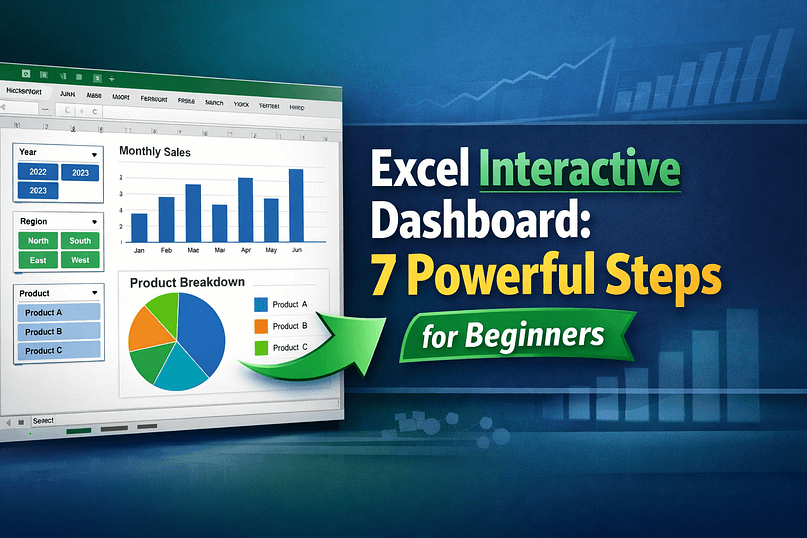
2. Excel Dashboard Automation for Managers
If you create dashboards for projects, sales, or performance, you can automate them with Excel formulas, PivotTables, and macros.
- Use Excel VBA automation to refresh all data connections.
- Add buttons for “Update Dashboard” and let macros handle it.
- Combine Excel automation for data analysis with Power Query for real-time insights.
It’s a perfect Excel workflow automation for managers who love visual reports.
3. Automate Excel Data Entry (Goodbye Manual Typing!)
Manually typing rows of data? Not anymore. You can automate Excel data entry using forms, Power Automate, or even simple VBA scripts.
- Create a data entry form that stores entries directly into Excel.
- Use automate repetitive tasks in Excel with Power Automate to fetch data from emails or Google Forms.
- Save time and reduce human errors instantly.
4. Excel Formula Automation (Let Formulas Do the Work)
Most people don’t realize formulas themselves can automate tasks. Use Excel formula automation to perform dynamic calculations.
- Combine
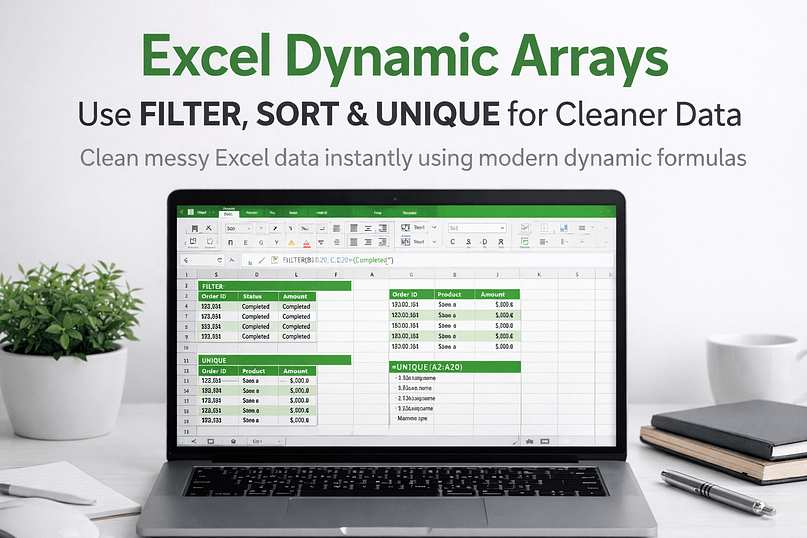
IF,VLOOKUP,INDEX-MATCH, andSUMIFSto automate decisions. - Use dynamic arrays to create live updating tables.
- Pair formulas with Power Query to auto-refresh data sources.
5. Automate Repetitive Excel Tasks with Macros
If you often copy-paste data, format columns, or create charts, Excel macros automation is your new best friend.Record your workflow once using the Macro Recorder, then run it anytime to do the same steps automatically.You can even schedule macros using Task Scheduler or Power Automate Excel automation for a full no-touch workflow.
6. Excel Automation for Finance Reports
Finance teams can automate income statements, expense tracking, and monthly summaries.Use Power Automate Excel automation to connect Excel to your accounting system or Google Sheets.Automatically pull transactions, categorize them, and generate financial reports every week.
You’ll love how Excel automation for finance makes reporting effortless and error-free.
7. Excel Automation for Data Analysis
Data analysts can automate cleaning, merging, and transforming datasets using Power Query or VBA automation.
- Automate removing duplicates and formatting columns.
- Use Power Query to automatically refresh multiple data sources.
- Create an automated Excel reporting workflow that updates in one click.
This is one of the most powerful Excel automation examples you can master.
8. Power Automate Excel Workflow
If you’re already using Microsoft 365, integrate Power Automate with Excel.It lets you:
- Automatically move data between Excel and SharePoint.
- Send alerts when Excel cells are updated.
- Create workflows to automate Excel tasks without coding.
It’s perfect for Excel automation for beginners who want a simple, visual way to build workflows.
9. Excel Hacks for Business Productivity
Try these genius Excel hacks for productivity:
- Use conditional formatting to auto-highlight deadlines.
- Create a time tracker using Excel formulas.
- Automate invoice numbering using macros.
- Combine Power Query + PivotTables for live business dashboards.
These Excel tricks for productivity save you time while impressing your boss.
10. Automate Excel Workflows Step-by-Step
To get started with Excel spreadsheet automation, follow these simple steps:
- Identify repetitive tasks (data entry, cleaning, formatting).
- Choose your method: Macros, Power Automate, or Formulas.
- Test your automation on small datasets.
- Schedule your automations for daily or weekly runs.
- Track the results and improve efficiency.
Once you learn how to automate repetitive Excel tasks, you’ll never go back to manual work again.
Bonus: No-Code Excel Automation Tools
If coding isn’t your thing, try tools like:
- Power Automate Desktop (best for Office users)
- UiPath Community Edition (for advanced automation)
- Zapier (for connecting Excel with 2000+ apps)
These tools make no code ways to automate Excel tasks accessible for everyone.
Conclusion
Excel automation isn’t just about saving time — it’s about unlocking efficiency, accuracy, and freedom. Whether you’re managing data, reports, or dashboards, the right Excel automation ideas can transform your daily workflow.
Start small — maybe automate Excel reports every week, then expand into Excel dashboard automation. Before long, you’ll wonder how you ever worked without it.
People Also Ask
What is Excel automation?
Excel automation means using tools like macros, VBA, or Power Automate to perform repetitive Excel tasks automatically.
How do I automate Excel reports without VBA?
You can use Power Automate Desktop to schedule and generate Excel reports without writing code.
What are the best Excel automation tools?
Power Automate, UiPath, and Zapier are popular tools for no code Excel automation.
Can beginners automate Excel?
Yes! Beginners can start with simple Excel formula automation or use templates in Power Automate.


Pingback: Top 10 Chrome Extensions That Boost Productivity for Bloggers | WebPlayX.Com - Learn Excel, Automation, and Tech Made Easy
What a great article, accounting outsourcing companies in hyderabad